phone_iphone
BestPhonesForSeniors
Safety Guide · Updated April 2026

Best Senior Phones With Emergency Features in 2026

A senior phone should not just be easy to read. It should make it easy to get help fast, share location clearly, and reduce panic in urgent moments. This guide explains which SOS and safety features are actually worth paying for.

Your safest choice is usually the phone that makes emergency help the most obvious, not the phone with the longest feature list.

Key safety features to look for

Not every feature matters equally. These are the ones we would prioritize first for seniors and caregivers.

sos

One-Touch SOS Button

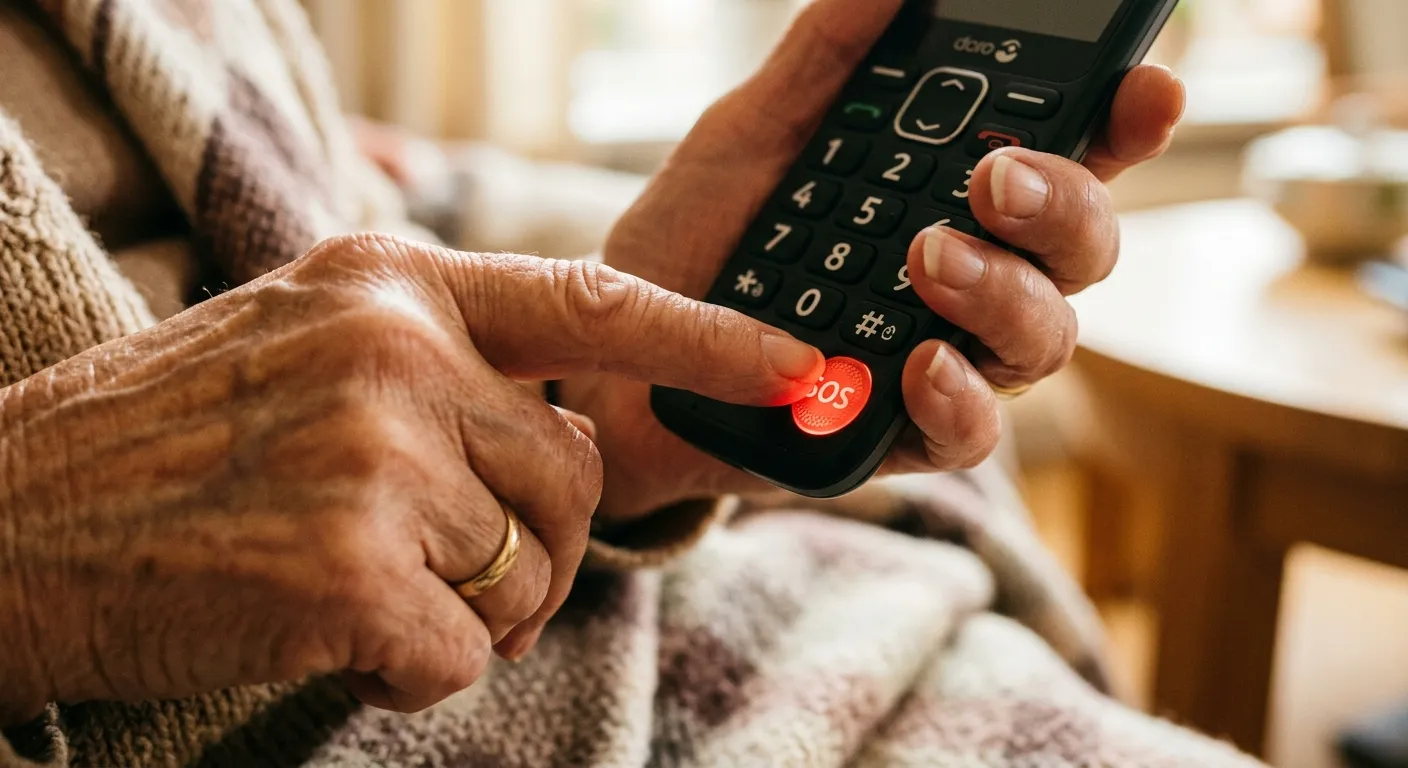
The best senior phones make emergency help obvious. A dedicated SOS button is faster and less stressful than digging through menus in a crisis.

  • check_circleWorks even when the phone is locked
  • check_circleCan call 911, a response center, or family contacts
  • check_circleOften triggers a loud alarm and location sharing
location_on

GPS Tracking and Location Sharing

Location sharing helps family members or responders find someone quickly after a fall, wandering event, or roadside emergency.

  • check_circleReal-time location for trusted contacts
  • check_circleHelpful for seniors who drive or walk alone
  • check_circleCan send coordinates automatically during an SOS event
medical_services

Medical Alert Services

Some phones connect directly to trained response agents who can assess the situation, contact caregivers, and dispatch help.

  • check_circle24/7 live operators on eligible plans
  • check_circleMedical info can be shared with responders
  • check_circleUseful when a senior is scared or disoriented
falling

Fall Detection and Check-In Tools

Premium ecosystems may offer fall detection, inactivity alerts, or caregiver check-in apps. These are helpful, but setup quality matters.

  • check_circleMore common on smartphones and wearables
  • check_circleNeeds testing before relying on it
  • check_circleBest as a layer on top of a clear SOS option

Phones we trust most for safety

These are the devices we currently recommend when emergency access and caregiver peace of mind are near the top of the list.

Jitterbug Smart4

Best if you want a smartphone with a dedicated emergency button and a simpler interface.

Read reviewarrow_forward

Jitterbug Flip2

Best if physical buttons matter most and you want emergency help available even when the phone is closed.

Read reviewarrow_forward

Consumer Cellular IRIS

Best lower-cost option with a dedicated SOS button and strong customer support.

Read reviewarrow_forward

Looking beyond phones for fall prevention and home safety?

Visit AgingParentTech.com's home safety section for medical alerts, fall-prevention ideas, home monitoring tools, and practical products that support safer independent living.

Safety checklist before you rely on any phone

The best emergency feature is the one a senior has already practiced and can trigger under stress.

  • check_circleTest the emergency feature once a month
  • check_circleKeep emergency contacts current
  • check_circlePractice the SOS action until it feels automatic
  • check_circleMake sure location permissions stay enabled
  • check_circleUse a charging routine the senior can realistically keep

Need the safest phone for a specific situation?

Take the Phone Finder quiz and we will narrow the choice based on hearing, vision, tech comfort, and urgency around safety features.

Find the right safe phonearrow_forward